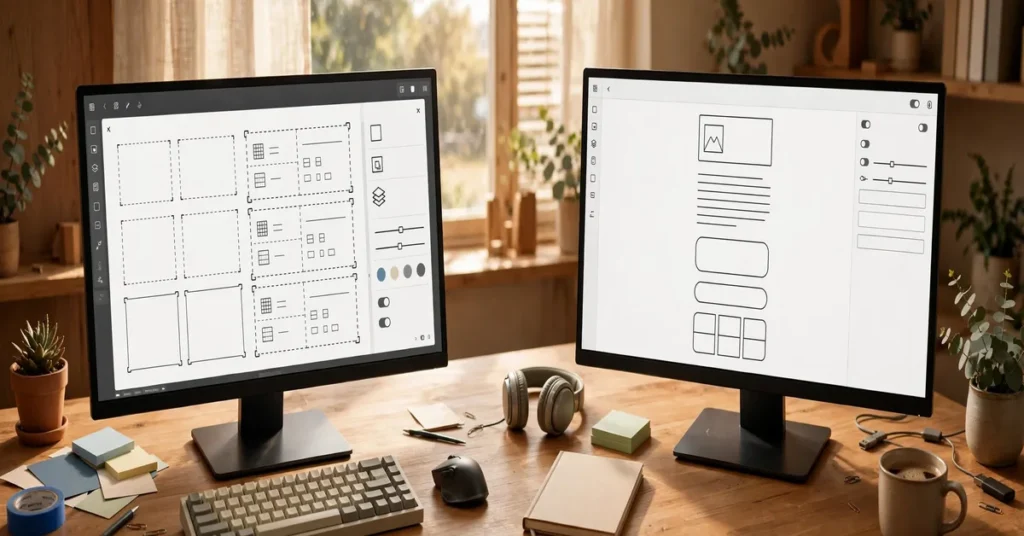
If you are choosing between Elementor and Gutenberg for a WordPress website, here is the short answer: choose Elementor when your pages need custom marketing layouts, landing pages and design control without code; choose Gutenberg — the built-in WordPress block editor — when your priority is fast, clean pages and content you will publish often, such as guides and articles. Neither is “better” in general. They are tools for different jobs, and the wrong choice usually costs you later in speed, maintenance or a rebuild you did not budget for.
I build client websites with both. Most of the service and store websites I deliver are built with Elementor Pro, because clients want designed pages they can picture before launch. The guides on this site, and a growing share of content pages, work perfectly well in the block editor. This guide explains how I decide, project by project, so you can make the same decision with your eyes open.
What Each Editor Actually Is
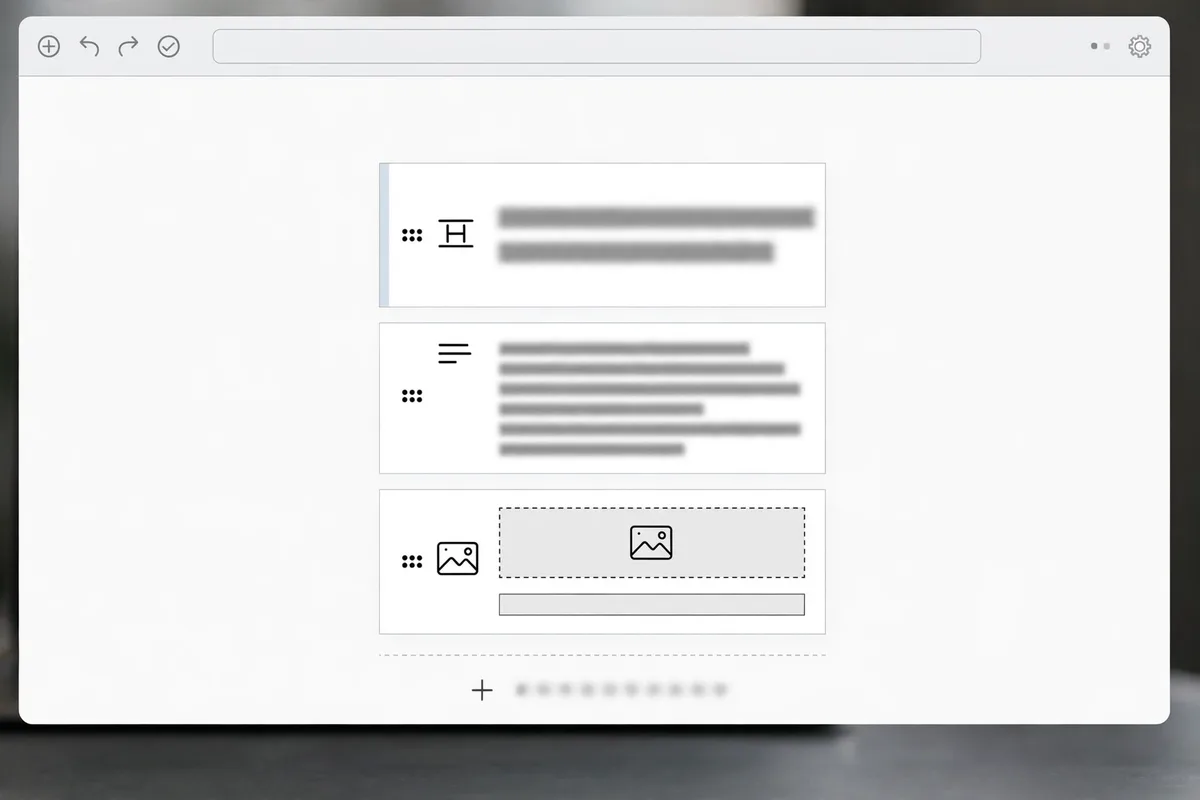
Gutenberg is not a plugin you add — it is WordPress itself. Since WordPress 5.0, the block editor has been the default way to create pages and posts. Every paragraph, heading, image and button is a block that you stack in a column. It loads almost nothing extra on the front end, because it is part of core WordPress.
Elementor is a plugin that adds a full visual design system on top of WordPress. You edit the page as it actually looks, dragging sections, columns and widgets into place and styling them with panels instead of code. The free version covers the basics; Elementor Pro adds the theme builder, forms, popups and WooCommerce design tools.
That one difference — built-in versus added system — explains nearly every strength and weakness that follows.
What Elementor Does Best
Elementor’s strength is design freedom at speed. A homepage with a custom hero, angled sections, testimonials, pricing tables and a call-to-action band can be built, revised and matched to a brand in hours rather than days. For a business owner reviewing a design, what you see is literally what visitors get.
It is also the easier editor for non-technical owners who want to change a headline, swap a photo or duplicate a section for a new offer. The visual canvas is more forgiving than imagining how blocks will render.
Where I use Elementor in client work:
- Marketing and service pages where layout sells the service — homepages, service pages and about pages.
- Landing pages for campaigns, where the page must match an ad and convert, not just inform.
- WooCommerce product and shop pages that need custom layouts rather than the default store design, using Elementor Pro’s theme builder.
- Sites the owner will edit visually, where the alternative is them avoiding updates altogether because the editor feels risky.

What Gutenberg Does Best
Gutenberg’s strength is that it stays out of the way. Pages built with core blocks are lean: the editor adds very little extra code, so a block-built page is naturally easier to keep fast. For content that is mostly text and images, nothing about Elementor’s design power improves the result.
It is also the safer long-term bet for content. Blocks are WordPress’s own direction — new WordPress features are built for the block editor first. A guide written in blocks today will still open and edit cleanly in ten years, with no plugin standing between you and your own content.
Where I use Gutenberg:
- Guides, articles and help content — exactly like the post you are reading, where structure and readability matter more than decoration.
- Simple pages — contact pages, policy pages, straightforward service descriptions on a tight budget.
- Speed-critical pages, where every extra plugin asset works against the loading time.
- Websites with many contributors, because the block editor is harder to break: there are fewer settings to drag a layout apart with.
Speed: The Honest Difference
A page built in Gutenberg will usually load lighter than the same page built in Elementor, because Elementor adds its own CSS and JavaScript to render its design system. That gap is real, but it is often exaggerated. A well-built Elementor page with good hosting, caching and sensible image sizes can still load quickly — most of the slow Elementor sites I am asked to fix are slow because of huge images, dozens of plugins and cheap hosting, not because Elementor exists. My guide on how to speed up Elementor covers the fixes I apply on real sites.
The fair summary: Gutenberg gives you a head start on speed; Elementor makes you earn it. If your whole site is Elementor, budget the optimisation work into the project instead of discovering it afterwards.
Cost: Free Editor, Paid Consequences
Gutenberg costs nothing. Elementor’s free version also costs nothing, but most business websites I build use Elementor Pro for the theme builder and forms, which is a yearly licence — typically a modest annual fee per site, in the range of what you would pay for a decent business lunch for two. Neither figure should decide this on its own.
The real cost difference hides elsewhere:
- Build time. A designed marketing page is usually faster to produce in Elementor, which lowers the design bill. My own packages reflect this: a landing page built in Elementor Pro starts at $349, and a full website with a store at $799, precisely because the tool is efficient for that work.
- Maintenance time. An Elementor site has one more major system to update and test. A Gutenberg site has fewer moving parts, so updates are simpler.
- Switching cost. Leaving Elementor later is the expensive path: pages designed in it do not convert neatly into blocks, so changing your mind in two years can mean rebuilding the designed pages. Gutenberg content, being native, never has this problem.
Maintenance and Updates
Both editors update regularly, but they fail differently. A Gutenberg update arrives inside WordPress core updates — the most tested software path there is. Elementor updates arrive separately, and occasionally a major Elementor release changes how a widget behaves, which is why I test Elementor updates on client sites rather than letting them run blind. If your website is on a maintenance plan, this is handled for you; if you update everything yourself with one click, Gutenberg is the more forgiving choice.
There is also a skills question. If you hire a different developer later, both editors are widely known — you will not be locked to one person either way. You are only ever locked to the tool itself, and that lock-in is heavier with a page builder.
How to Decide: A Simple Checklist
Answer these five questions and the choice usually makes itself:
- Are your main pages design-led or content-led? Design-led (homepage, services, landing pages) points to Elementor; content-led (guides, news, resources) points to Gutenberg.
- Who edits the site weekly? If that is you, pick the editor you will actually open. An unedited website in the “better” tool loses to an updated one in the other.
- How much does raw speed matter? A content site living on search traffic benefits most from Gutenberg’s lightness. A brochure site with caching set up properly can carry Elementor comfortably.
- Are you selling online? A store that needs designed product pages points to Elementor Pro; a store happy with a clean default layout can stay leaner.
- How long must this design live? The longer the horizon, the more Gutenberg’s native content protects you from a future rebuild.
Many real websites — including the ones I deliver — are a mix: Elementor for the designed pages, the block editor for guides and posts. WordPress allows both on the same site, and used deliberately, that hybrid is often the smartest answer of all. If you are weighing the wider question of hand-written code against a builder, my Elementor vs Custom Code guide covers that side, and Elementor Pro vs Free explains what the paid version actually adds.

The Bottom Line
Choose Elementor if your website’s job is to present and persuade — designed pages, campaigns, a store with its own look. Choose Gutenberg if your website’s job is to publish and perform — fast pages, regular content, minimal upkeep. Choose both if, like most businesses, your website has to do the two jobs at once, and be deliberate about which pages get which tool.
If you are planning a website and are not sure which route fits your pages, your budget and who will maintain it, get in touch for a consultation. I will tell you honestly which editor I would use for your project — including when the honest answer is the free, built-in one — and what it would cost: landing pages from $349, a website with a store from $799, and custom builds from $1,499.