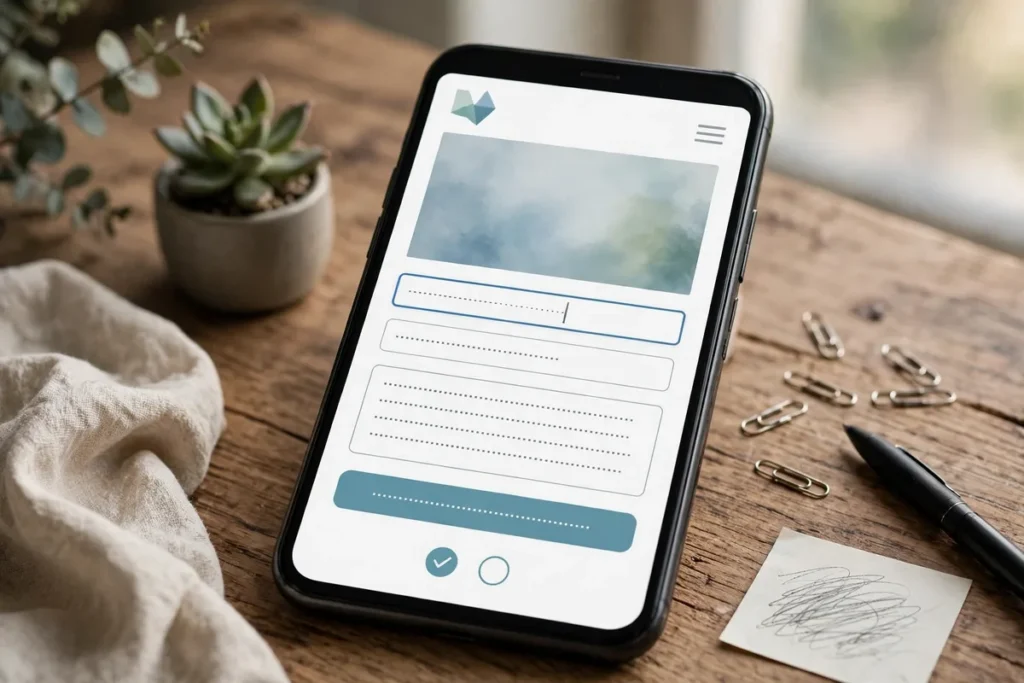
A phone-friendly WhatsApp button is convenient, while a WordPress contact form can collect project details in a structured way. Neither is universally better for enquiries. The right choice depends on the information you need, how quickly you can respond and how the visitor prefers to communicate.
Practical approach: use the sections below as a decision and verification checklist. Apply changes on a test copy where appropriate, measure the specific problem before and after, and keep essential contact and payment paths working.
Know what you need before contact
A website redesign enquiry may need the current site URL, business type, rough scope and desired timeframe. A simple opening-hours question may need no form at all. Write down the minimum useful information for an initial answer; asking for a dozen mandatory fields can discourage genuine visitors, while asking nothing can create long back-and-forth messages.
When a contact form is useful
Forms work well when you need a project brief, attachments or consistent information for your sales process. Use descriptive labels, a clear confirmation message and an email notification that has been tested. Save submissions where appropriate and obtain necessary consent. A beautiful form is not functional until you verify that the enquiry actually reaches the team.
When WhatsApp works better
Messaging can suit quick mobile questions and customers who value an immediate conversation. Include a readable button label and a relevant prefilled prompt, without forcing visitors to use the app. WhatsApp business notifications and agent availability can vary; if nobody monitors messages during business hours, a seemingly fast channel may become slow in practice.
Use both without confusing the page
Place one primary call to action near the key offer, then offer an alternative when it fits. A WordPress development service page might say ‘Discuss your project’ and provide form and WhatsApp options in a clear contact section. Two identical floating buttons and popups competing for attention are rarely helpful. Test the buttons on real mobile devices.
Handle privacy and spam deliberately
Use only necessary personal information and explain how enquiries are handled. Forms may require appropriate anti-spam controls, while messaging channels have their own privacy implications. Avoid sharing passwords or credentials through routine enquiry chats. If you use analytics, configure conversion tracking according to your privacy requirements.
Measure lead quality rather than clicks alone
Count enquiries that describe a real project, follow-up replies and eventual signed work if you have the data. Many button clicks can still produce low-quality messages. Compare channels under similar traffic and timeframes before declaring a winner, and don’t invent conversion percentages to justify a design decision.
Plan the response workflow
Set an owner for form notifications, keep an accessible inbox and record when enquiries are answered. On WhatsApp, use a helpful opening response that sets expectations, not a misleading promise of 24-hour service. A clear process often improves the visitor experience more than changing button colors.
Make the next change deliberate
Write down the current situation, the action you took and what you tested. Avoid buying a new plugin or copying a setting simply because it appears in a generic checklist. If the issue affects customer enquiries, access, payment or security, start with a backup and an appropriate staging test.
Frequently asked questions
Should every page use WhatsApp?
Not necessarily. Consider whether messaging makes sense for the visitor’s task and provide another contact route where possible.
Can a form fail without showing an error?
Yes. Notification delivery can fail even after successful submission, so test the form’s complete path.
Discuss your WordPress requirements
Krenexis helps businesses assess WordPress website projects, ongoing support and practical technical improvements. For a scoped discussion, explore our WordPress services or send us the website details. We do not guarantee specific rankings, conversions or security outcomes without understanding the site.