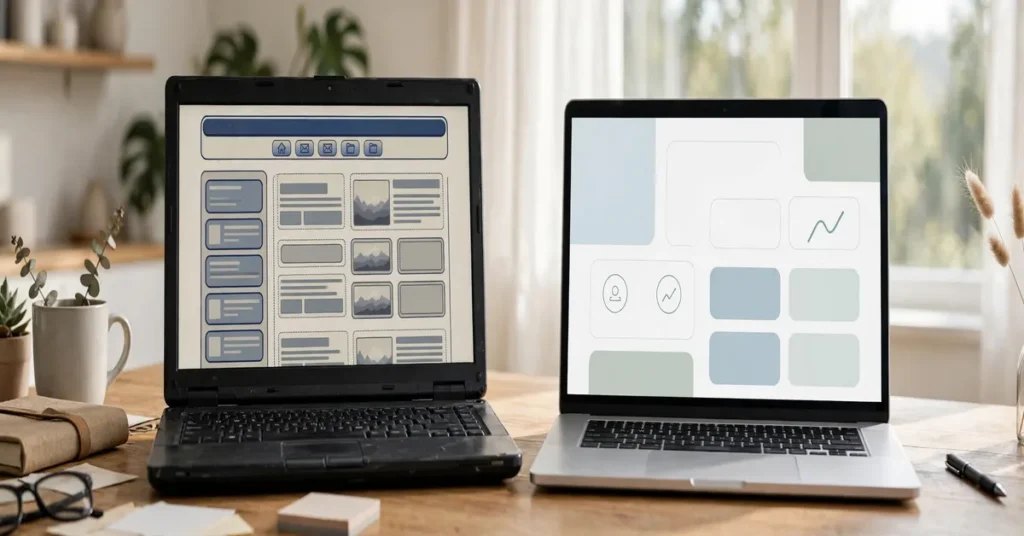
Most websites last around 3 to 5 years before they need replacing. That is not because the technology suddenly stops working. It is because design standards move, phones and browsers change, your business changes, and the software underneath the site ages. A website launched five years ago can still open in a browser today — but opening is not the same as working. If your site looks dated, loads slowly on phones, or no longer matches what your business actually sells, it has reached the end of its useful life, even if nothing is technically broken.
The good news is that “end of life” does not always mean starting from zero. Sometimes a structured refresh — new design layer, same content and structure — is enough. Sometimes a full rebuild is the honest answer. This guide explains what actually determines how long a website lasts, the signs that yours is due, and a simple test I use at Krenexis when clients ask whether they need a refresh or a replacement.
The 3 to 5 year rule, explained
The 3 to 5 year figure you will see quoted everywhere is a rule of thumb, not an expiry date. It comes from how several cycles overlap:
Design cycles. Visual standards shift roughly every few years. Layouts that looked modern in 2020 — wide sliders, dense sidebars, stock-photo heroes — read as dated now. Visitors judge credibility in seconds, and an old-looking design quietly costs enquiries long before it costs rankings.
Technology cycles. WordPress, its themes, and its plugins are updated constantly. A site built on a theme that has been abandoned by its developer, or on plugins that no longer receive updates, becomes harder and riskier to maintain each year. At some point, updating the old foundation costs more than building on a current one.
Business cycles. This is the one owners miss most often. Your services, prices, team, and customers change. If your website still describes the business you were three years ago, it is out of date even if the design still looks acceptable.
When all three cycles have moved on, replacement is due. When only one has moved, a refresh usually does the job.
What shortens a website’s life
Some websites are effectively old within 18 months. Others stay useful for six or seven years. The difference is rarely luck — it is how the site was built and maintained.
It was built on a fragile foundation
A site built with an abandoned theme, a heavy page builder setup nobody documented, or a long list of plugins installed to solve one-off problems will age badly. Every update becomes a risk, so updates get skipped, and skipped updates turn into security and compatibility problems. In my own rebuild work, the sites that need replacing earliest are almost always the ones where nobody can explain why half the plugins are there.
It was never maintained
A maintained website lasts measurably longer than a neglected one. Regular updates, backups, uptime checks, and small fixes stop little problems compounding into a rebuild. This is exactly what a care plan covers, and it is why I covered the running numbers separately in WordPress Website Maintenance Cost in 2026. Skipping maintenance does not save the cost — it moves the cost into an earlier, larger rebuild.
It was built for desktop only
A large share of website traffic now arrives on phones — in many markets, well over half of visits. A site designed desktop-first, with the mobile view treated as an afterthought, ages the moment your audience’s habits shift fully to mobile. If your layout was never properly designed for phone screens, its useful life is already shorter than the calendar says.
7 signs your website needs replacing
You do not need a developer’s audit to spot most of these. Open your own site on your phone and work through this list honestly.
Sign 1: It looks dated next to your competitors
Search for your main service and open the top few competitors. If their sites look clean and current and yours looks like a different era — cramped text, old fonts, a slider you added in 2019 — visitors are making that same comparison before they ever contact you.
Sign 2: It fails on modern phones
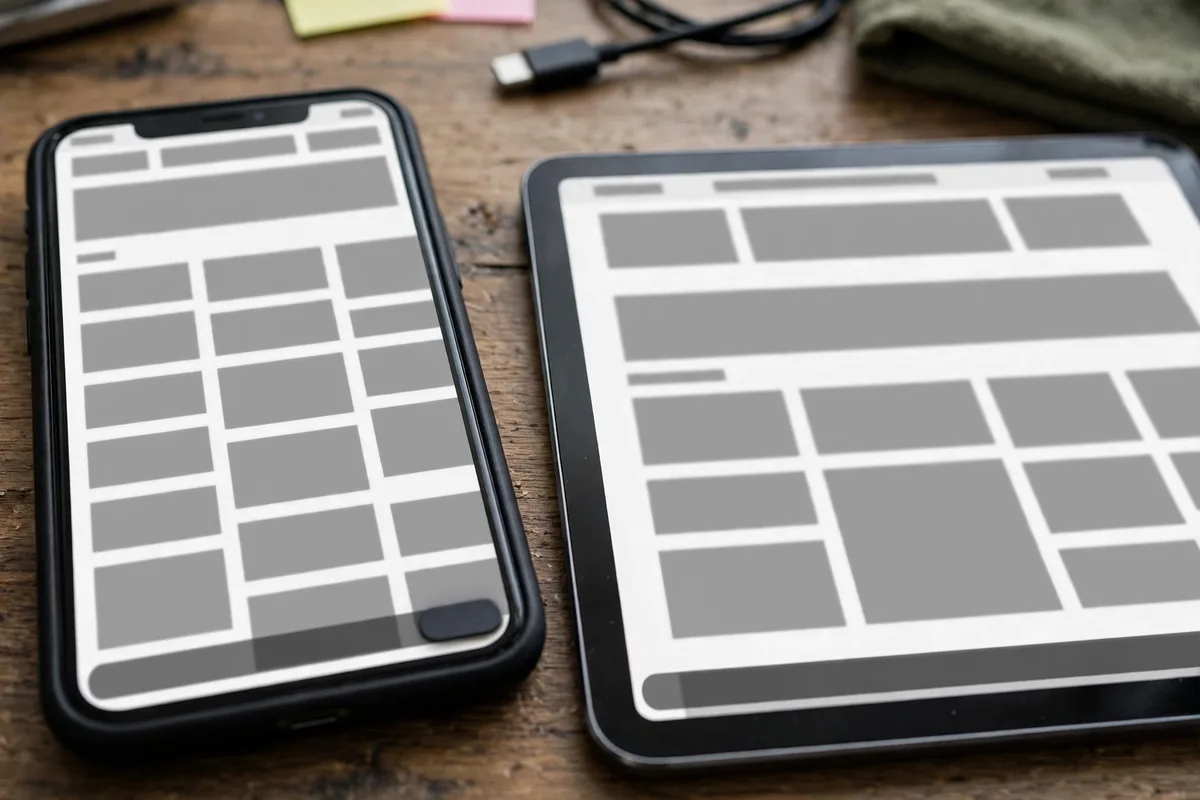
Text you have to pinch to read, buttons too close together, menus that open off-screen, forms that are painful to complete — these are replacement-level problems, not cosmetic ones. A site that frustrates phone visitors is losing the majority of its audience at the door.
Sign 3: It is slow, and fixes have stopped helping
If caching, image compression, and the usual speed work no longer get the site to a reasonable load time, the problem is usually structural: an old theme, bloated builder output, or years of plugin build-up. I explain the usual causes in 7 Common Causes of a Slow WordPress Website — but when those fixes stop working, the foundation is the problem.
Sign 4: You cannot update it safely
If every WordPress or plugin update feels like a gamble — or worse, updates are already breaking things and being rolled back — the site is living on borrowed time. An unmaintainable site is also an insecure site, and that alone justifies replacement.
Sign 5: It no longer matches your business
New services missing, old services still listed, prices from two years ago, a team page for people who left. When editing the content means fighting the structure of the site itself, that is a sign the site’s architecture belongs to an older version of your business.
Sign 6: Enquiries have quietly dropped
Owners often notice this one last. The site still gets visits, but calls and form submissions have thinned out. Sometimes that is the market. Often it is a site that no longer builds trust: slow, dated, hard to use on a phone, with no clear next step for the visitor. Before spending on ads to fix an enquiry problem, check the site those ads would send people to.
Sign 7: Simple changes take too long
Changing a price, adding a service, or publishing a new page should be routine. If every small change needs a developer, a workaround, or a prayer, the site is costing you time every single week — and that ongoing cost belongs in the replacement calculation.
Refresh or replace? A simple test
Here is the test I use at Krenexis when a client asks this question. Answer three things:
- Is the foundation sound? Current theme that still receives updates, a plugin list you can justify, updates applying cleanly. If yes, a refresh is realistic.
- Is the content structure still right? The pages you need are roughly the pages you have, in roughly the right order. If yes, keep the structure and redesign the presentation.
- Is the problem mainly visual? If the site works well underneath but looks dated, a refresh — new design, typography, imagery, and tightened copy — can add years to its life at a fraction of rebuild cost.
If the answer to two or more of those is no, replacement is the honest recommendation. Refreshing a site with a broken foundation is money spent decorating a problem.
For reference on how the two options compare in real work: a refresh keeps your content, page structure, and usually your URLs, so it is faster and lower-risk for your search rankings. A replacement rebuilds the structure, design, and setup from the ground up — it takes longer (I break down realistic timelines in How Long Does It Take to Build a WordPress Website) but it resets the clock properly, and it is the right moment to fix everything from page structure to the elements covered in 10 Essential Elements of a Business Website.

How to make your next website last longer
Whether you refresh or rebuild, these decisions extend the new site’s life from day one:
- Build on a maintained foundation. Choose a theme and plugins with active developers and a real update history. Check when each was last updated before it goes on your site.
- Keep the plugin list short and explained. Every plugin should have a job you can name. Review the list once a year and remove what is no longer earning its place.
- Design mobile-first. Approve the phone version of every key page before the desktop version. That is the order your visitors will experience it in.
- Put maintenance in place from launch. Updates, backups, security checks, and small fixes on a schedule. This single habit is the difference between a site that lasts three years and one that lasts six.
- Review the site against your business once a year. Services, prices, photos, and contact routes change. A one-hour annual review keeps the content cycle from quietly expiring while the technology still works.
The bottom line
A website is not a one-time purchase; it is a working asset with a lifespan of roughly 3 to 5 years, shorter if it is neglected, longer if it is built well and maintained. If your site fails on phones, cannot be updated safely, or no longer describes your business, it is not a matter of whether to replace it — only of whether you replace it before or after it costs you more enquiries.
Not sure which side of the refresh-or-replace line your site sits on? That is exactly what a Krenexis consultation is for. Send me your current website address and I will tell you honestly which option fits — including if the answer is that your site has years left in it. Get in touch through the contact page to start the conversation.